



1) Choosing the Right RunPod Template To successfully install LivePortrait, we need a specific environment with the correct versions of Python, CUDA, and development tools. […]
Read moreAuthor: Zahir Alam

MuseTalk for Real-Time Lip-Sync Avatars: Complete GPU Installation & Fixes
MuseTalk is a real-time talking-face system that combines pose estimation, voice analysis, and lip-sync. Getting it running smoothly on a cloud GPU like RunPod (NVIDIA A5000) can […]
Read more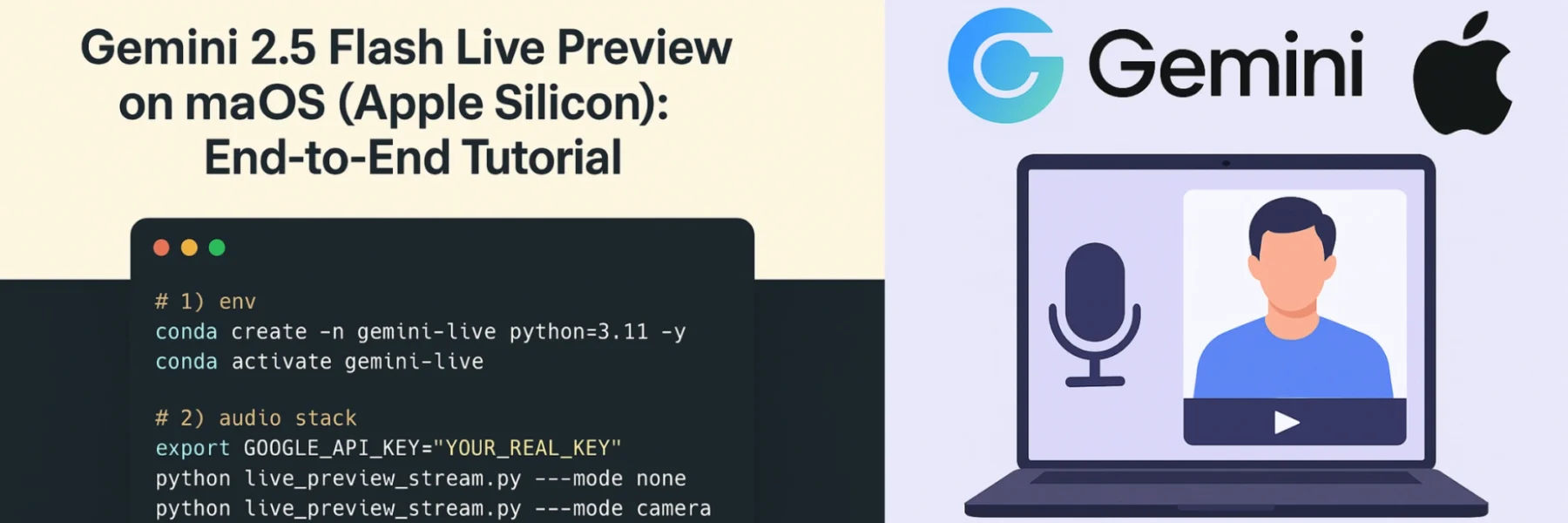
Gemini 2.5 Flash Live Preview on macOS (Apple Silicon) : End-to-End Tutorial
This is a complete, guide for setting up Gemini 2.5 Flash Live Preview (real-time audio + optional camera/screen frames) on a Mac with Miniconda. What you’ll build A […]
Read more
How to Install and Run Coqui TTS on Mac for High-Quality Voice Synthesis
Coqui TTS is a powerful open-source text-to-speech system that supports multiple languages, including Spanish, German, Chinese, Japanese etc . In this guide, we’ll walk you […]
Read more
Install and Run Hindi Female Text-to-Speech (TTS) on RunPod or Any Linux Server
This step-by-step guide helps you set up and run a Hindi female Text-to-Speech system based on Fastspeech2_HS with ESPnet2 on a GPU-enabled server such as […]
Read more
How to Set Up Hindi TTS on Mac Apple Silicon: Step-by-Step Guide
If you’re looking to run Hindi Text-to-Speech (TTS) locally on your Mac M1, M2, M3 or M4 without GPU dependency, this guide walks you through […]
Read more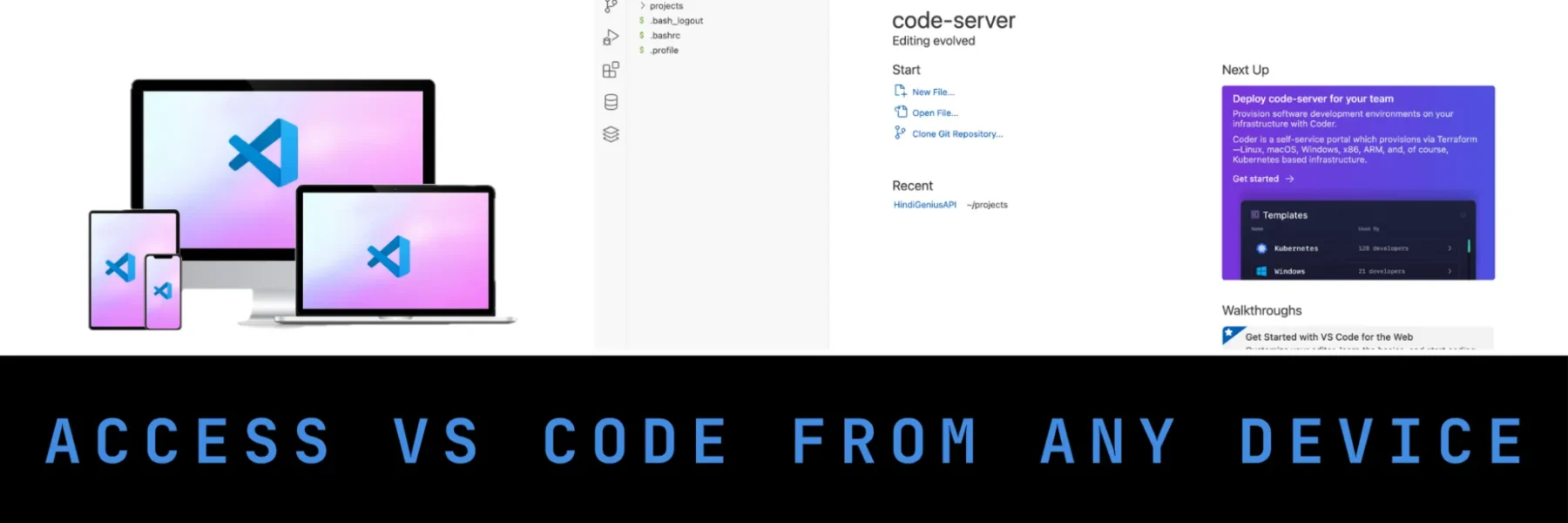
Access VS Code from Any Device: Install code-server on Ubuntu 24.04
Do you want to access Visual Studio Code from your tablet, iPad, Android, iPhone, or any browser-enabled device? With code-server, you can run VS Code on […]
Read more
How to Install and Run .exe Files Using Wine on Apple Silicon Mac (M1/M2/M3/M4)
✅ Prerequisites 🧰 Step 1: Install Rosetta 2 (Required for Intel-based Wine) 🍺 Step 2: Install Wine Stable via Homebrew 🛠 If you get errors […]
Read more
How to Install Elasticsearch on Mac Apple Silicon Without Password
Elasticsearch is a powerful, open-source search engine used widely in analytics, logging, and search-driven applications. If you’re on a Mac M1, M2, M3 or M4 with […]
Read more
Run a Powerful OpenAI Alternative Locally on Ubuntu: Installing DeepSeek-R1 with Ollama
DeepSeek-R1 is a powerful open-source large language model (LLM) designed for advanced reasoning and problem-solving. This guide shows you how to install and run DeepSeek-R1 […]
Read more